Influencer Outreach: Choose a Creator and Write the First Email
Check creator fit using visible evidence, define one deliverable and write a focused first email. Follow a fictional campaign example without invented results.
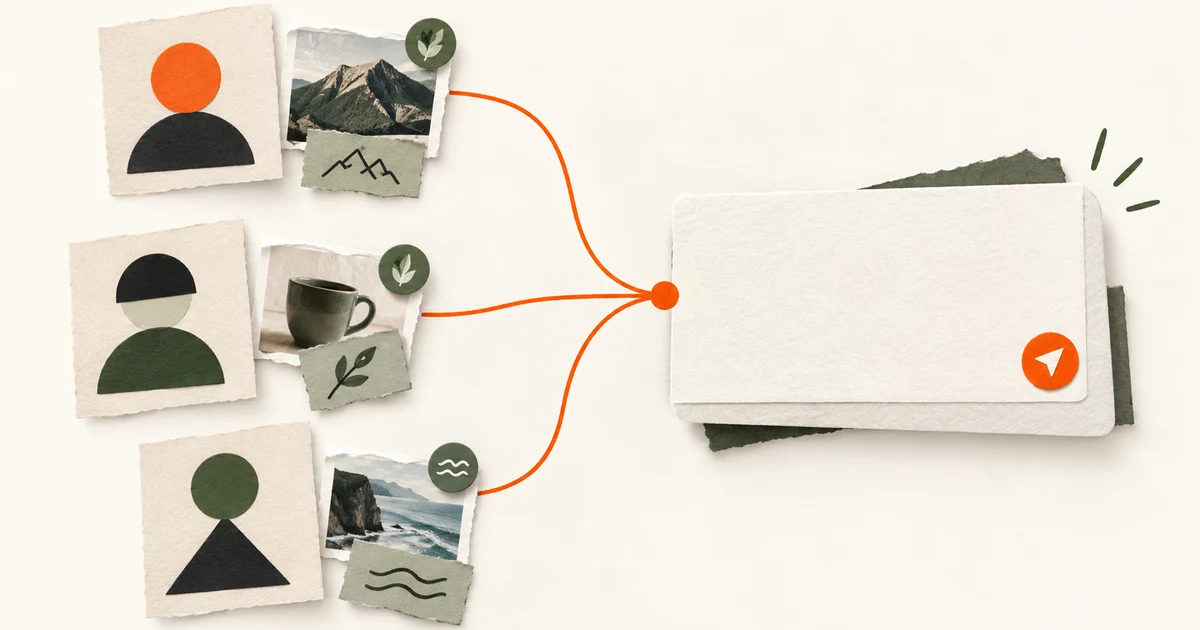
Finding the right creator and writing a first email that a creator can assess is a repeatable process. You start by defining who you want to reach, then you research creators who serve that audience, and finally you draft a message that is specific, respectful, and easy to answer.
This guide gives you one complete, fictional example from start to finish: a brief, a research worksheet, and an annotated first email. It shows how an editor would verify public evidence before sending. You can use the worksheet before you approve a draft for sending.
Step 1: Build a brief from an app or product URL
Before you search for creators, write down the audience you need and the campaign terms you can offer. A brief keeps your first email honest and prevents outreach to creators who are not actually relevant.
Example brief for a fictional app:
- Product: TrailNote, a mobile app for recording and sharing day-hike observations (weather, terrain, plant sightings).
- Audience: Weekend hikers and nature journalers in the Pacific Northwest, ages 25–45, interested in low-impact outdoor habits and plant identification.
- Creator profile: Creators who publish relevant trail recap videos or field-note guides. Check recent content about Oregon, Washington or British Columbia. Treat audience location as unknown unless the creator supplies reliable audience data; the creator’s location does not establish the audience’s location.
- Partnership type: Hybrid. Include a modest paid flat fee and a free annual TrailNote plan. I will describe this as a hypothetical offer; your offer must match your own budget and legal review.
- Deliverables: One 30–60 second Reel showing the creator using TrailNote on a local trail, plus one Story poll about plant identification habits.
- Contact route: Email if listed publicly; otherwise Instagram DM if the bio invites collabs.
Step 2: Research creators against the brief
You do not need a huge database to start. Open Instagram or TikTok, search terms like “PNW day hike,” “plant identification walk,” or “trail journal,” and open profiles one by one. Record public evidence only: recent posts, audience questions in comments, follower count, engagement examples, and listed contact info.
Here is a fictional worksheet for three imagined creators. Their content is illustrative only and not from real accounts.
| Creator (fictional) | Public evidence matches brief? | Contact route found? | Notes for first email |
|---|---|---|---|
| Alex (@alexwandersloops) | Yes. Two recent Reels: “Rhododendron ID on the Salmon River Trail” and “What to pack for a rainy Gorge hike.” Audience comments ask for plant guides. 14k followers, visible engagement on Reels. | Email in bio ([email protected]) | Reference the rhododendron Reel; note audience questions about plant ID align with TrailNote’s plant log. |
| Jordan (@jordansfoggyhikes) | Partial. Posts foggy forest videos, but most are in California and no plant or trail condition content in the last 30 days. | DM open; no email listed. | Do not contact yet. Fails audience location part of brief. |
| Sam (@samfieldnotes) | Yes. Posts weekly “Sunday trail note” carousels with soil, weather, and native flower notes. Regular public comments ask about keeping field notes. Private reach and audience-location data remain unknown. | Email in bio. | Potential content match. Ask whether this subject fits their audience; do not infer a complete audience profile from public likes. |
A note on verification: When you research a creator, verify that public evidence is recent and consistent. For example, if a creator’s bio says “PNW trails” but their last ten posts are from Arizona, that is a mismatch. If they list an email in the bio, use that route. If they say “no collab DMs,” stop and look for another creator rather than pushing. Also respect any stated request: if a profile says “email for partnerships,” do not DM. Your first email will feel less spammy when it references one or two specific, recent posts you actually reviewed.
Check the evidence before you approve the first message
Use the influencer vetting worksheet to keep observations separate from assumptions. Before drafting, attach one relevant public post, its checked date, the creator's current contact preference and the unresolved questions. Public content can demonstrate topic fit; it does not establish the entire audience's location or likely response.
| Review item | Question to resolve before sending |
|---|---|
| Evidence | Can another reviewer open the post you reference? |
| Scope | Does the message ask for one understandable deliverable? |
| Rights | Have you avoided implying content usage rights that nobody agreed to? |
| Disclosure | Have you identified who will review the applicable disclosure requirements? |
| Approval | Did the responsible person approve this recipient and this exact message? |
For US campaigns, use the FTC's disclosure guidance when you prepare the publication agreement. Do not assume that an outreach email settles content rights or the final advertising disclosure. Keep those unresolved items visible for the next conversation.
Step 3: Draft a specific first email
A good first email does four things:
- Shows you looked at their recent work
- Introduces your product in two sentences or fewer
- States what you are asking for in clear, concrete terms
- Makes the reply easy
Want a first draft to edit? The free influencer pitch generator writes a DM, an email with its subject line and a day 4 follow-up from your real product page.
Here is a fictional draft to Alex, with annotations.
Subject: Your rhododendron Reel + a trail note app
Hi Alex,
I’m Maya, and I work on TrailNote, a mobile app for recording day-hike observations like weather, terrain, and plant sightings. I found your Reel on rhododendron ID along the Salmon River Trail, and it felt exactly like the kind of content our audience wants: practical, local, and plant-forward.
The idea: We’re looking for a 30–60 second Reel showing how you use TrailNote on a nearby trail, plus one Story poll asking your audience about their plant identification habits.
The offer: This would be a paid collaboration with terms agreed before any work starts. You keep creative control over the Reel; we just ask that it reflect your honest experience.
Next step: Does this sound interesting? If so, reply here and I’ll send over the brief and usage rights details.
Thanks for considering it, Maya
Annotations:
- Subject: Uses “rhododendron Reel” so Alex knows this is not a mass template. If you have not verified the content, do not reference it.
- First sentence: Introduces the product directly. No company history. No inflated claims.
- Personalization: Cites one specific, verifiable Reel. Do not say “I love your content” without proof.
- Ask: Concrete deliverables. This is a specific ask, not a soft one. If you prefer a softer approach, end with “Are you open to collaborations?” and save the details for the reply.
- Offer: Identify whether the proposal is paid, gifted or another arrangement. Agree on compensation, usage rights, disclosure and approval terms before work starts. Avoid promising “exposure” as the main value.
- Call to action: Binary question. If they say yes, send the brief. Do not attach a large PDF to the first email unless you have confirmed interest.
- Tone: Friendly professional, no flattery, no pressure.
Step 4: Review the draft before sending
Before you hit send, read the email out loud and check these points:
- Personalization: Does the first paragraph name a specific post, idea, or style choice from the creator’s public profile? If you can swap in any creator’s name and it still makes sense, it is too generic.
- Audience fit: Does the email explain why this creator’s audience matches your product? For TrailNote, that means a mention of plant identification or local trail content.
- Contact route: Are you using the route the creator has listed? If the email address came from a database and you cannot verify it publicly, find a public email or DM path instead.
- Stop requests: Did the creator say “not accepting collaborations right now” or “no DMs”? If yes, do not contact them.
- Clarity: Is there one clear next step? “Reply if interested” is clear. “Let me know your thoughts” is not.
After you define the audience, open OutDM with your app or product URL. You can edit the audience brief, choose your partnership type, and define campaign criteria. OutDM researches influencer profiles that match the approved brief, surfaces publicly listed email addresses or social DM routes when available, and drafts tailored outreach messages from the brief, public profile evidence, and campaign terms. You must approve the draft before the configured sending channel is used.
OutDM does not guarantee a reply and does not send automatically without your approval. It helps you move from a product URL to a researched, specific first email without assembling the worksheet by hand. If you want to try it, open OutDM with your own app or product URL and see what creators it matches against your brief before you write a single message.
One workflow, not a template
The goal is not to copy this email. The goal is to use the same process: brief, verify, draft specifically, and review. When you do that, your first email sounds like a human who did the homework, while leaving the creator free to decline or not reply.
Keep building your campaign
Measure Influencer Marketing ROI for Your App
Measure influencer marketing ROI for your app: give each creator a tracked link or offer code, count paying customers, subtract every cost and compare.
Read the guide
Build an Influencer Contract Template With These 9 Clauses
Build your influencer contract template from a clause by clause checklist: deliverables, usage rights, exclusivity and the exact FTC disclosure wording regulators expect. Not legal advice.
Read the guide